Two apps bring the whole service journey together. Use Jobs to describe what you need, compare workers and quotes, and choose who to hire. Use Jobs Workers to offer your services, set your availability, send quotes, and manage your independent work. From the first request to the completed job, the agreement and conversation stay in one place.
JobsWorkers™ connects clients with individual service providers across home and personal services. Every provider completes identity verification through Stripe Identity before they can be matched with you. Stripe compares the photo on a government-issued ID with the provider’s selfie. When they arrive, you can scan their code and compare their profile photo before any work begins. Identity verification is not a background check or a review of professional qualifications.
Jobs
Your app to find help
The right help. On your terms.
Jobs connects you with independent service providers for your home and daily needs. Describe the job, compare quotes, and choose who to hire. Keep your request, agreement, chat, and job history together.
Discover services and people.
Browse categories in supported locations, search for workers, and compare profiles, services, reviews, and availability. Save favorites, send a request to a particular worker, or open it to workers who match the job.
Build a clear request.
Choose the service, describe the work, and add photos or video when useful. Set the address and choose an immediate or scheduled request, with a specific time or flexible availability where offered.
Compare, choose, and confirm.
Review each quote, the worker, the proposed time, and the price before choosing. Select an available card or cash payment method. For card-paid jobs, a reservation is charged at confirmation; the app shows the payment details before you commit.
Check your worker’s identity on arrival.
When your worker arrives, scan their QR code and compare the profile photo shown in the app with the person in front of you before work begins.
Stay in touch and follow the job.
Coordinate through chat and use in-app calling when available. Follow job status and shared travel updates, and keep the conversation and agreed details together in the app.
Close the job and share your experience.
When the worker reports finishing, review the outcome and use the completion or issue-reporting options in the app. Keep the job and payment record, leave a review, and request a worker again for future needs.
Jobs Workers
Your app for independent work
Your service. Your way of working.
Jobs Workers brings your independent work together. Present your services, choose your area and hours, send your own quotes, and manage each confirmed job, from the first conversation through completion and payment.
Present your services and complete eligibility.
Create a profile with your services and experience. Complete identity verification through Stripe Identity and submit the credentials required for the categories you offer. Identity verification is not a background check and does not replace required professional licensing.
Choose your area and working hours.
Set your service area, the types of work you offer, and your availability. Manage scheduled work and turn on immediate availability when you want to receive eligible requests for work now.
Quote with the full price breakdown.
Review requests and decide which ones to quote. Enter the net amount you want to receive: the app shows your net, the platform commission of 23% of the total price, and the client's total. The client decides whether to confirm your quote.
Manage your work and communication.
Track requests, sent quotes, and confirmed jobs. Coordinate in the chat, use in-app calling when available, and update the job as you travel, arrive, and begin work. Show your code so the client can compare your profile on arrival.
Know how card and cash payments work.
For card-paid Jobs, the Provider charge is processed on your connected Stripe account, and Stripe later pays out eligible funds to your bank. For cash jobs, the client pays you directly and the platform commission is recorded against your worker wallet after completion.
Build your record and get help.
Review completed work, payment details, wallet movements, and client feedback; leave your own reviews after completed jobs. Manage your profile, credentials, and connected Stripe account, and contact support or report an issue from the relevant app flow.
Jobs
An example, from start to finish
A home cleaning. One complete journey.
You need help cleaning your home. Here is how a request becomes a completed job, with the details in one place.
1
Describe the need
Choose cleaning, describe the space, add photos, and set the address and the day or time you need.
2
Compare your options
Compare quotes, worker profiles, reviews, and proposed times. Choose the option that fits your cleaning request.
3
Confirm the agreement
Review the total and payment method, then confirm the chosen quote. Card-paid jobs charge the reservation at this stage.
4
Coordinate the details
Use chat to agree on access, materials, and other details. Follow the job status and shared travel updates.
5
Meet and follow the work
On arrival, you can scan the code and compare the profile photo. The worker carries out the agreed cleaning.
6
Complete and leave a review
Review the result and complete the job or report an issue through the app. Leave a review and keep the job and payment record.
The client’s journey · An example
Jobs Workers
The same job, from your side
From your quote to a job well done.
You offer cleaning services. Choose work that fits your availability and manage it from the first request to completion.
1
Create your profile
Present your cleaning services, complete identity verification, and provide any credentials required for the category.
2
Set your availability
Choose your service area and hours. Review matching requests and use immediate availability when you want work now.
3
Send your own quote
Enter your net amount and review the full breakdown. Propose your price and time; the client chooses whether to confirm.
4
Travel and confirm arrival
Coordinate in the chat, update your travel and arrival status, and show your code so the client can compare your profile.
5
Do the agreed work
Carry out the cleaning. Propose any scope or price changes for approval, then mark the work finished for the client to review.
6
Get paid and review
For card jobs, Stripe pays eligible funds from your connected account to your bank. Cash goes directly to you, with commission in your wallet. Leave a review.
The worker’s journey · An example
Available now on the App Store and Google Play
JobsFor clients
Click to download
Jobs WorkersFor workers
Click to download
For clients
Jobs
Describe what you need and receive quotes from individual providers.
You compare quotes and choose the one you want — the price, the
time and the person.
For workers
JobsWorkers
Offer your services in your own name, set your own prices and your own
schedule. For card-paid Jobs, the Provider charge is processed on your
connected Stripe account; you remain an independent worker.
How it works
Help when you need it. Work when you want to.
Two apps, one marketplace: one to find the right person for a real need,
and one to build independent work around your own service and schedule.
For clients
Find help for the work in front of you.
A repair, a move, a cleaning service, or professional help — start with what you need.
1Describe itTell us what you need, where, and when.
2Compare and chooseReview quotes and choose the price, time, and person that work for you.
3Confirm and followConfirm in the app, choose your payment method, and keep the job details in one place.
For workers
Turn your service into independent work.
Offer work in your own name, around the places and hours you choose.
1Build your serviceChoose your categories, service area, availability, and profile.
2Quote on your termsReview requests and send a quote for work that fits your schedule.
3Complete and get paidComplete the agreed work. For card-paid Jobs, the Provider charge is processed on your connected Stripe account, and Stripe later pays out eligible funds to your bank. JobsWorkers does not first collect the final payment and transfer it to you.
Stripe Identity. Before workers can be matched with a client, Stripe Identity checks a government-issued photo ID and compares the ID photo with the worker’s selfie. This verification is limited to identity — it is not a background check or a review of professional qualifications, and it does not guarantee conduct or service quality.
Card payments & payouts. Card payments in the United States are processed through Stripe. For card-paid Jobs, the Provider charge is processed on the worker’s connected Stripe account, and Stripe later pays out eligible funds to the worker’s bank. Cash payments are made directly between the client and the worker and are not processed by Stripe. Stripe collects and processes card details; JobsWorkers does not store full card numbers.


 Browse categories in supported locations, search for workers, and compare profiles, services, reviews, and availability. Save favorites, send a request to a particular worker, or open it to workers who match the job.
 Choose the service, describe the work, and add photos or video when useful. Set the address and choose an immediate or scheduled request, with a specific time or flexible availability where offered.
 Review each quote, the worker, the proposed time, and the price before choosing. Select an available card or cash payment method. For card-paid jobs, a reservation is charged at confirmation; the app shows the payment details before you commit.
 When your worker arrives, scan their QR code and compare the profile photo shown in the app with the person in front of you before work begins.
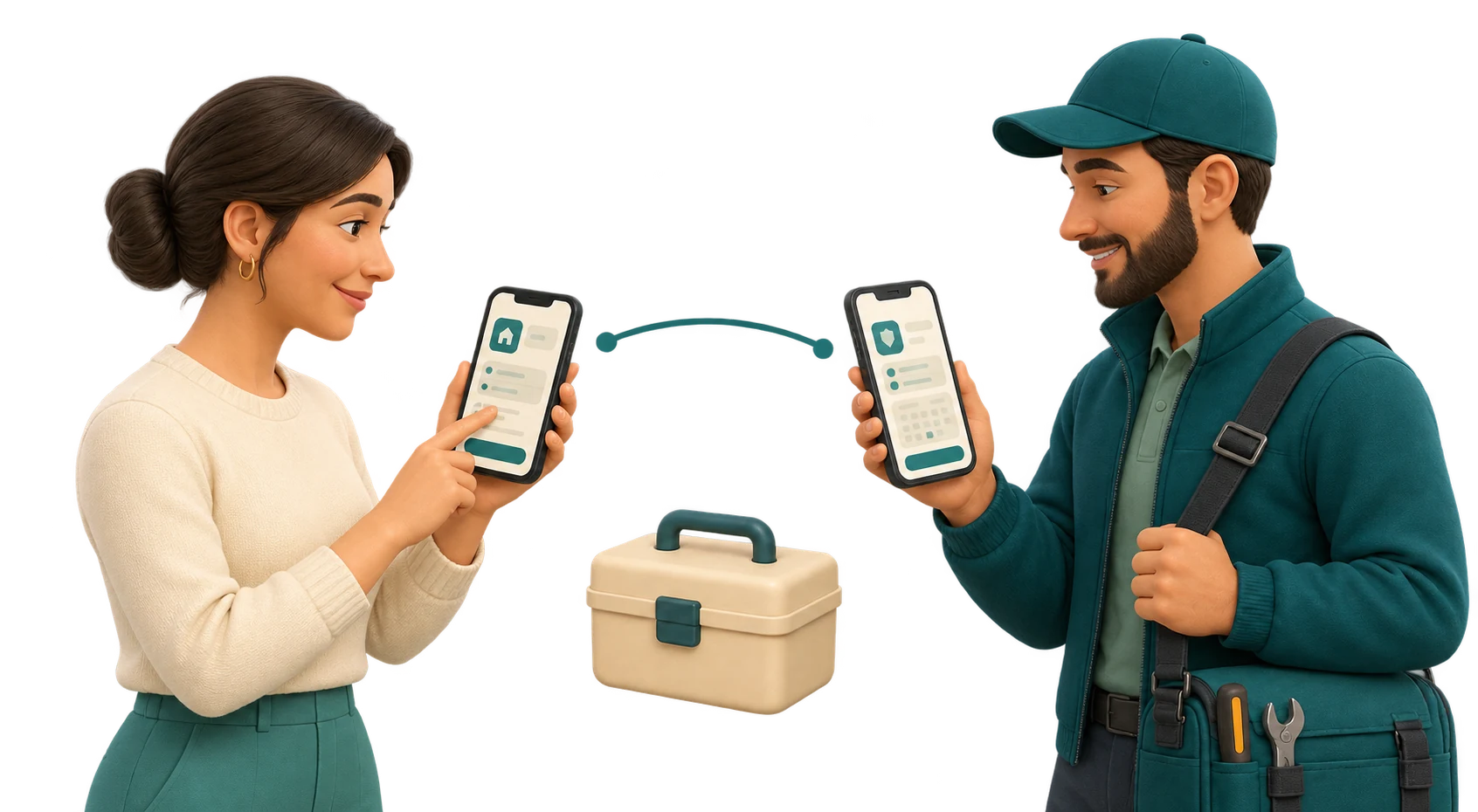 Coordinate through chat and use in-app calling when available. Follow job status and shared travel updates, and keep the conversation and agreed details together in the app.
 When the worker reports finishing, review the outcome and use the completion or issue-reporting options in the app. Keep the job and payment record, leave a review, and request a worker again for future needs.

 Create a profile with your services and experience. Complete identity verification through Stripe Identity and submit the credentials required for the categories you offer. Identity verification is not a background check and does not replace required professional licensing.
 Set your service area, the types of work you offer, and your availability. Manage scheduled work and turn on immediate availability when you want to receive eligible requests for work now.
 Review requests and decide which ones to quote. Enter the net amount you want to receive: the app shows your net, the platform commission of 23% of the total price, and the client's total. The client decides whether to confirm your quote.
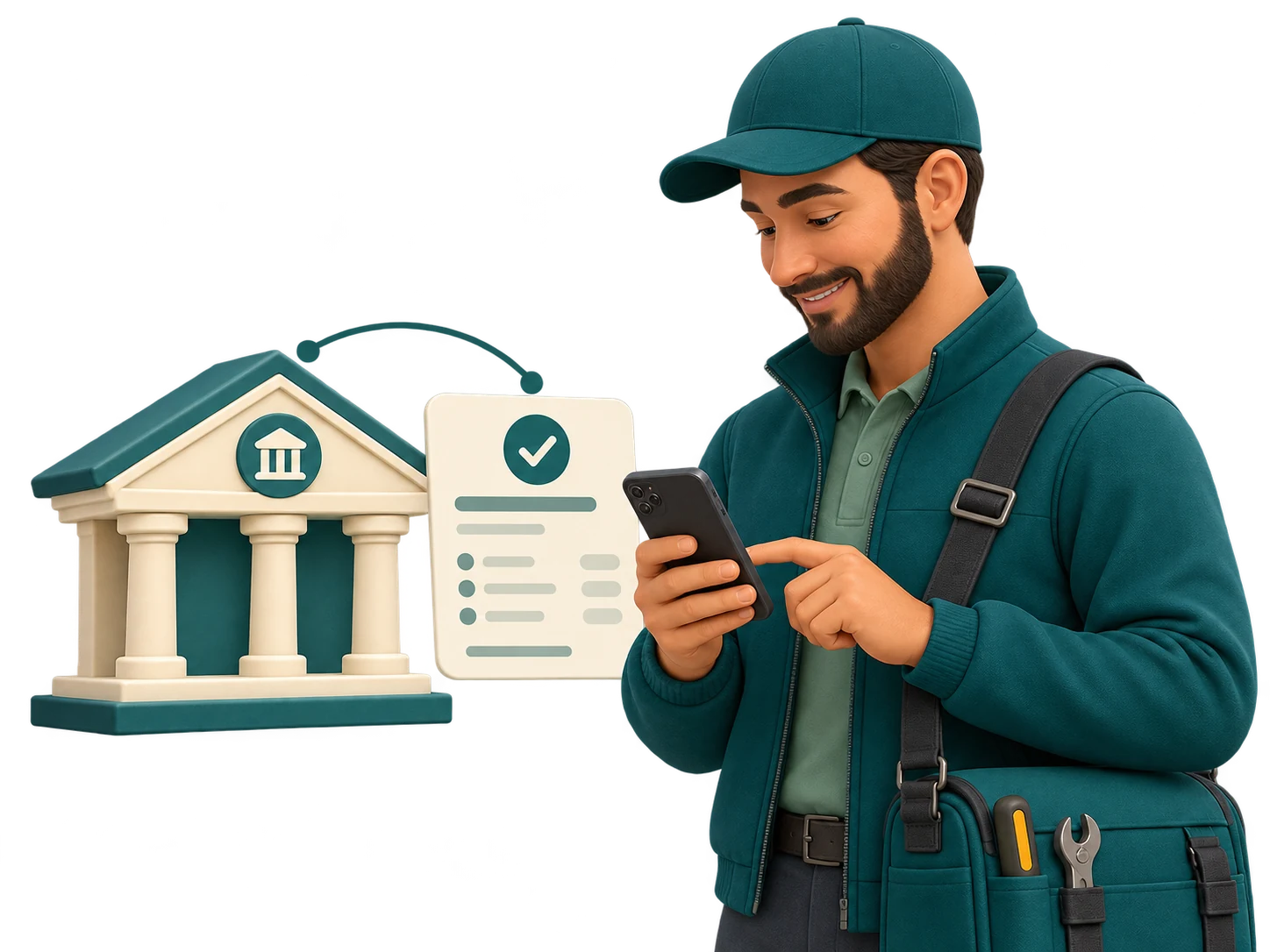 For card-paid Jobs, the Provider charge is processed on your connected Stripe account, and Stripe later pays out eligible funds to your bank. For cash jobs, the client pays you directly and the platform commission is recorded against your worker wallet after completion.